

-
Ali Razzak
-
May 11, 2026 12:00:00 AM
HubSpot doesn't live in a vacuum. Most businesses deploying it already have a CRM in place, an e-commerce store running, or a constellation of SaaS tools handling everything from billing to customer support. Getting HubSpot to talk fluently with those platforms isn't just a technical task; it's a strategic decision that shapes how clean your data is, how effective your marketing becomes, and how much time your team wastes on manual reconciliation every week.
This guide walks you through what you actually need to know about HubSpot integration services, covering the two most-requested integrations (Salesforce and Shopify), the broader landscape of native and API-based connections, and the mistakes that even experienced teams can make during implementation.
What Platforms Integrate with HubSpot?
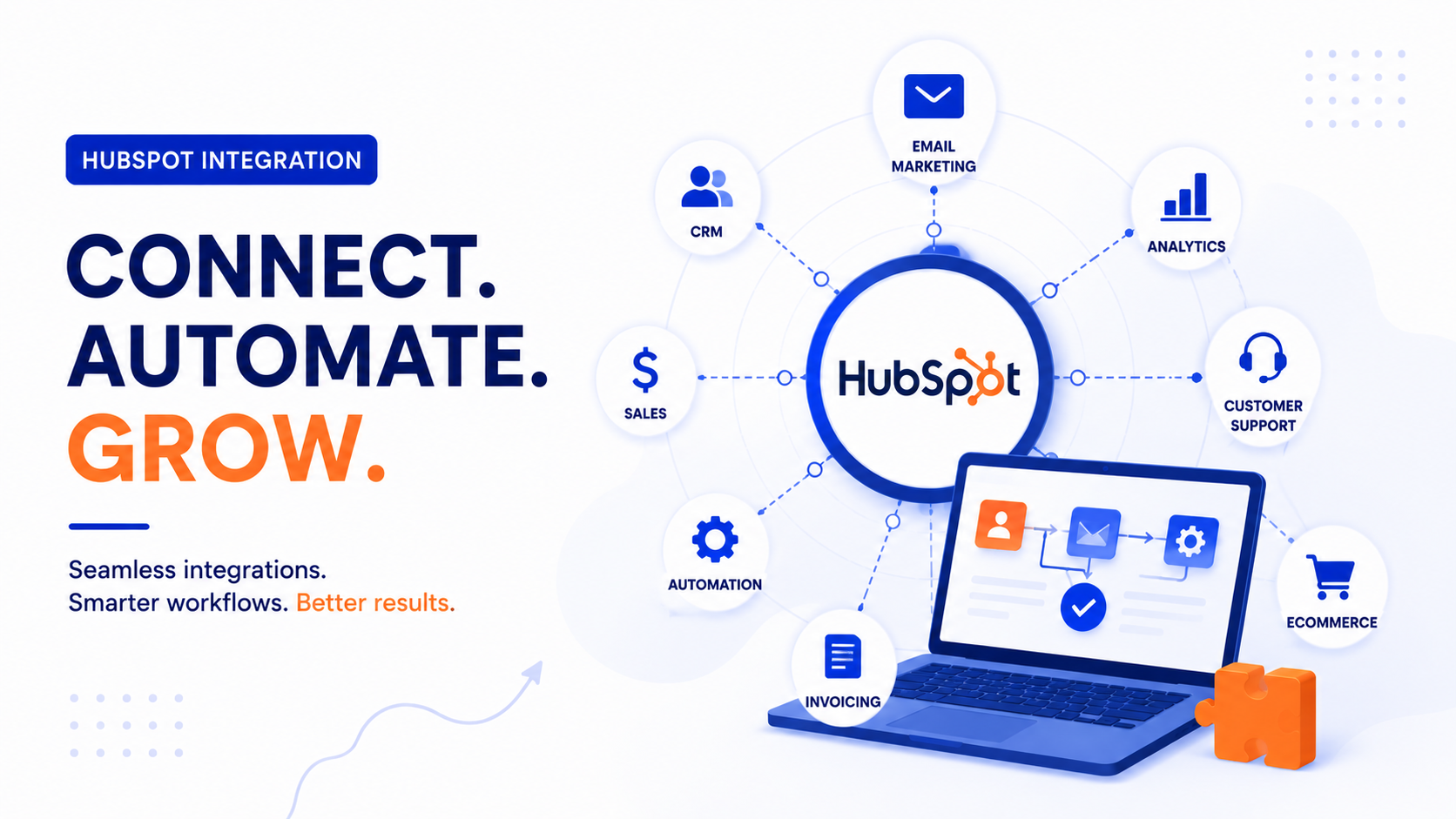
Before diving into specifics, let's set the scope. HubSpot's App Marketplace hosts over 1,500 native integrations covering every layer of a modern business stack. Sales teams connect it to Salesforce or Pipedrive. E-commerce brands wire it to Shopify, WooCommerce, or Magento. Support teams sync it with Zendesk or Intercom. Finance teams pipe in data from QuickBooks or Stripe.
Here's a quick snapshot of the most common categories:
CRM & Sales: Salesforce, Pipedrive, Microsoft Dynamics
E-Commerce: Shopify, WooCommerce, BigCommerce, Magento
Customer Support: Zendesk, Freshdesk, Intercom
Finance & Billing: Stripe, QuickBooks, Xero
Communication: Slack, Gmail, Outlook, Zoom
Ads & Analytics: Google Ads, Facebook Ads, Google Analytics 4
Automation: Zapier, Make (Integromat), n8n
For platforms without a native connector, HubSpot's robust REST API, webhooks, and OAuth framework enable custom integrations. This is where working with a qualified HubSpot integration partner or HubSpot implementation agency becomes especially valuable; they bring pre-built middleware experience that dramatically reduces development time and implementation risk.
HubSpot Salesforce Integration: The Most Complex Connection
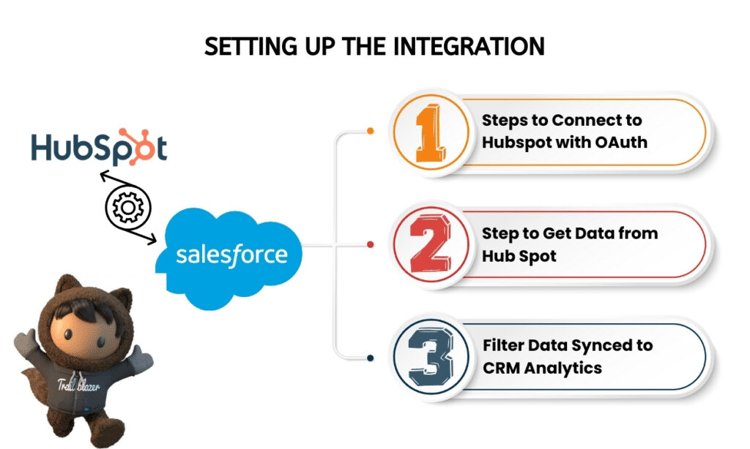
The HubSpot Salesforce integration is simultaneously the most powerful and the most misunderstood pairing in the ecosystem. Companies often implement it expecting an effortless bi-directional sync and discover, weeks later, that contacts are duplicating, fields aren't mapping correctly, and sales reps are seeing stale data.
Salesforce to HubSpot Migration: How to Unify Sales, Marketing, and Website Data
How to Integrate HubSpot with Salesforce
HubSpot offers a native Salesforce connector available on Professional and Enterprise tiers. The setup involves installing the HubSpot package in your Salesforce org, authenticating via OAuth, and then configuring sync rules. However, integrating HubSpot with Salesforce effectively goes far beyond clicking "Connect."
The critical decisions happen at the field-mapping stage. You must determine: which system is the system of record for each data type, what triggers a sync (all records or inclusion lists), how to handle conflicting values when both systems have been updated, and which direction each field flows, HubSpot to Salesforce, Salesforce to HubSpot, or both.
A common and highly effective architecture is to use HubSpot as the marketing and top-of-funnel system where leads are created and nurtured, and Salesforce as the sales system of record once a deal is qualified. Leads sync from HubSpot to Salesforce via an inclusion list, only Marketing Qualified Leads, not every contact, and closed-won revenue data syncs back from Salesforce into HubSpot to power attribution reporting.
This avoids the single biggest failure mode: syncing everything bidirectionally from day one, which creates cascading data conflicts, bloated Salesforce storage costs, and reporting that no one trusts.
HubSpot Shopify Integration: Connecting Commerce to Marketing
For e-commerce brands, the HubSpot Shopify integration is among the highest-ROI integrations available. Done correctly, it enables lifecycle email automations triggered by real purchase behaviour, abandoned cart recovery, post-purchase upsell sequences, and granular customer segmentation based on order history, product preferences, and spend tiers.
HubSpot and Shopify Integration Setup
The native HubSpot–Shopify connector installs directly from HubSpot's App Marketplace and syncs customers as HubSpot contacts, products as a product library, and orders as deals or line items, depending on your configuration. The HubSpot and Shopify integration setup typically takes 30–90 minutes for basic configuration, but a production-ready setup requires additional work.
Key configuration decisions include mapping Shopify customer tags to HubSpot contact properties, deciding whether orders create deals in HubSpot's pipeline, configuring the historical sync window, and setting up HubSpot's e-commerce reporting templates to surface metrics such as customer lifetime value, average order value, and repeat-purchase rate.
For brands on Shopify Plus or those with custom storefronts, the native connector may not cover every use case. In those situations, a HubSpot implementation agency will often layer in middleware like Census or Hightouch to create a more reliable, warehouse-native sync, especially when order volumes are high and data freshness matters.
Do You Need APIs for HubSpot Integrations?
This is one of the most frequently asked questions by businesses evaluating HubSpot: Do I need APIs for HubSpot integrations? The honest answer is: it depends on your platform, your data complexity, and your tolerance for limitations.
For most mainstream platforms, Salesforce, Shopify, Slack, Zoom, Google Workspace, Stripe, and HubSpot's native connectors handle the integration without any API development. These are plug-and-play connections maintained by HubSpot's ecosystem team and require no engineering resources.
API-level work becomes necessary when you need to integrate with a proprietary internal system, a less common third-party tool, a legacy database, or when you need more granular control over sync logic than native connectors allow. HubSpot's API is RESTful, well-documented, and supports OAuth 2.0, making it accessible to any competent developer. HubSpot also offers webhooks that let external systems receive real-time event notifications when records change.
No-code tools like Zapier and Make (Integromat) occupy a middle ground: they can connect HubSpot to hundreds of apps without custom development, though per-task costs can escalate quickly at scale. For mission-critical data flows, purpose-built integrations or a dedicated iPaaS platform are generally the better long-term choice.
How HubSpot Implementation Accelerates Sales and Marketing Alignment
Common HubSpot Integration Mistakes to Avoid
Regardless of the platform you're connecting to, the same error categories recur across HubSpot implementations. Understanding these in advance is one of the most valuable things a HubSpot integration partner brings to an engagement.
1. Syncing all records bidirectionally without an inclusion list strategy. This creates data bloat, storage costs, and field-level conflicts that compound over time.
2. Failing to deduplicate contacts before go-live. One person, multiple records, perpetual confusion and once the integration is live, deduplication becomes exponentially harder.
3. No defined system of record. When both systems write to the same fields without a clear hierarchy, they override each other unpredictably. Define the ownership field by field before you flip the switch.
4. Skipping historical data mapping. New properties don't back-fill old contacts. If you create a new field to track a customer segment, every contact created before that field existed will have a blank value, breaking segmentation from the start.
5. Not testing edge cases. What happens when a contact exists in HubSpot but not in Salesforce? What happens when a Shopify customer checks out as a guest? These scenarios need deliberate handling, not hopeful assumptions.
6. Ignoring API rate limits. High-volume syncs can hit HubSpot's API limits, causing silent failures that are difficult to diagnose afterwards.
7. No monitoring or alerting on sync errors. Integrations break silently. A field stops syncing, a workflow misfires, a segment shrinks unexpectedly and without alerts, and no one notices for weeks.
When to Bring in a HubSpot Integration Partner
A qualified HubSpot implementation agency brings three things a DIY setup often lacks: prior experience with the specific integration you're attempting (including known edge cases), a structured QA process before go-live, and ongoing monitoring after launch. That's precisely where Team CloudSource stands apart. As a certified HubSpot Solutions Partner, we combine deep technical expertise with a data-first philosophy, helping businesses not just connect their tools, but also architect the underlying data model so integrations remain clean, scalable, and maintainable as your stack evolves.
The best partners function as true data architects, not just developers who flip a switch and walk away. Our team brings exactly that: structured onboarding, rigorous pre-launch QA, and proactive post-launch monitoring to catch issues before they affect your pipeline. Our case studies span a range of integration categories, and our approach to data governance goes far beyond technical setup.
The difference between mediocre and excellent integration almost always comes down to data strategy, not code, and that's a conversation Team CloudSource is built to lead. Contact now!
Frequently Asked Questions
What is the difference between the HubSpot Salesforce integration and a custom CRM integration?
The native HubSpot–Salesforce connector is maintained by HubSpot, updates automatically, and handles most standard sync scenarios without custom code. A custom CRM integration built via API offers greater flexibility for proprietary systems or non-standard data models but requires ongoing developer maintenance.
Does the HubSpot Shopify integration work with Shopify Plus?
Yes, but Shopify Plus brands with high order volumes, custom checkout flows, or complex metafield data often supplement the native connector with middleware or API work to ensure data completeness and sync reliability at scale.
How long does a HubSpot integration implementation take?
Simple native integrations (Shopify, Stripe, Slack) can be configured in a day. The HubSpot–Salesforce integration typically takes 2–6 weeks when done properly.
What HubSpot tier do I need for the Salesforce integration?
The native Salesforce integration is available on HubSpot's Professional and Enterprise plans. It is not included in the Starter tier, though API access is available on all paid plans for custom development work.
Can HubSpot integrations sync data in real time?
It depends on the integration. The native Salesforce connector syncs on a scheduled basis (typically every 10–15 minutes), not in real time.